F1 Tire Strategy Planner for Race Wins
Plan winning F1 tire strategies with our free planner! Simulate race stints, tire wear, and pit stops to find the fastest race time. Try it now!
Master Your Formula 1 Race Plan with Our Strategy Tool
If you’re a Formula 1 enthusiast or a data-driven analyst, crafting the perfect race plan is both an art and a science. The right combination of tire compounds, stint lengths, and pit stop timing can turn a midfield runner into a podium contender. That’s where a dedicated F1 tire strategy planner comes in handy—it’s a way to test every variable before the lights go out on race day.
Why Tire Choices Matter
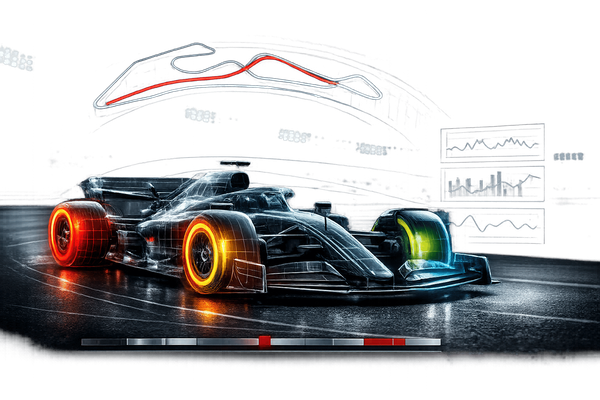
Every Grand Prix presents unique challenges, from scorching track temperatures to unpredictable weather. Selecting between soft, medium, or hard tires isn’t just a guess; it’s a calculated decision based on wear rates and lap times. A tool that simulates these factors lets you experiment without risking a real driver’s championship points. You can input custom wear percentages or stick with defaults to see how each stint plays out.
Beyond the Basics
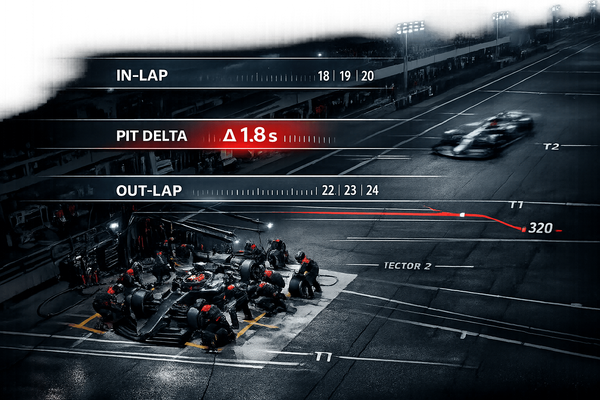
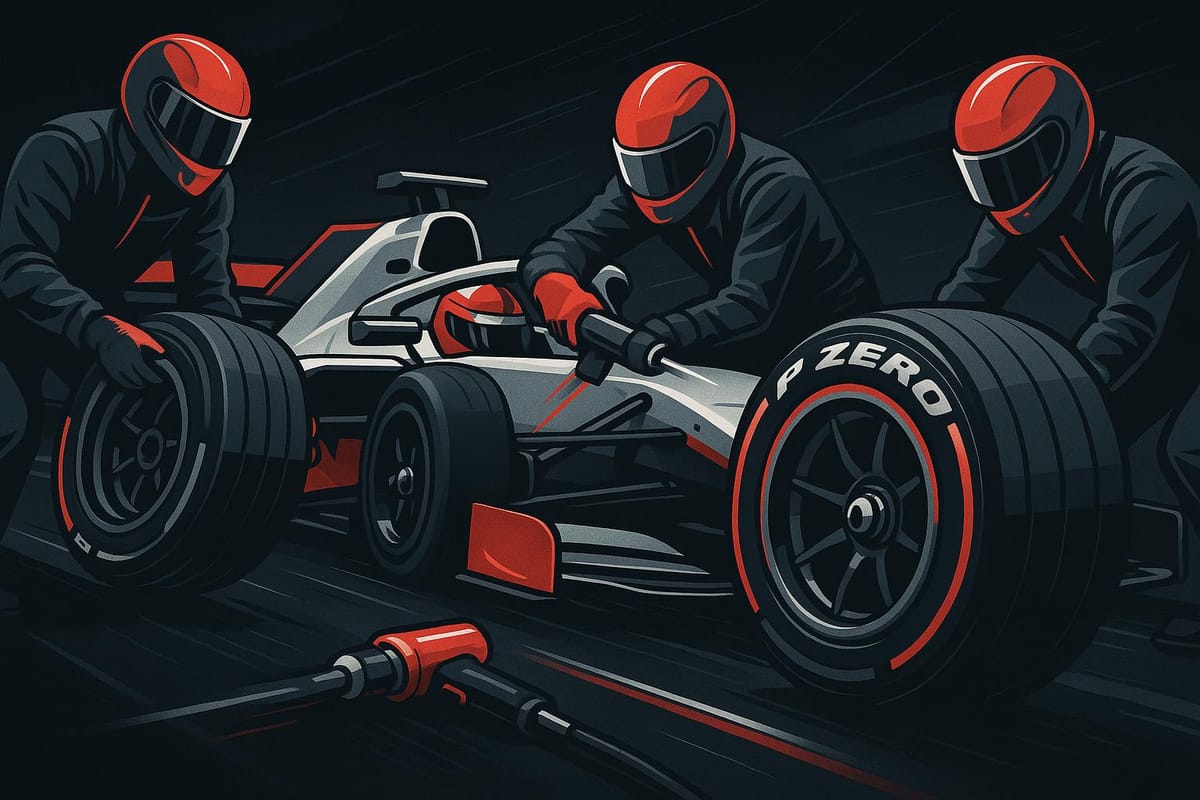
Pit stops are another puzzle piece. A poorly timed stop can cost you positions, while a strategic one might leapfrog you ahead. By tweaking penalties and lap distributions, fans and pros alike can uncover winning combinations for any circuit, making race weekends even more thrilling.
FAQs
How does tire wear affect my F1 race strategy?
Tire wear is a game-changer in Formula 1. Softer compounds like soft tires give you better grip and faster lap times initially, but they degrade quicker—think 0.8% wear per lap. Harder tires last longer with less wear, around 0.4% per lap, but you sacrifice speed. Our planner calculates how this wear impacts your stint times, so you can balance speed with durability. Play around with the numbers to see when a pit stop for fresh rubber might actually save you time overall.
Can I customize pit stop times in the planner?
Absolutely! We’ve set a default pit stop penalty of 22 seconds, which is pretty standard for F1 races, but every track and team is different. Maybe you’re factoring in a lightning-fast crew or a tricky pit lane. Just edit the time in the input field, and the tool will recalculate your total race time with the new penalty. It’s all about giving you the flexibility to match real-world conditions.
What happens if my stint laps don’t add up to the race distance?
No worries, we’ve got your back. If the laps you assign to your stints don’t match the total race distance you entered, the tool will flag it with a clear message like ‘Total laps must equal race distance.’ This way, you can’t accidentally simulate an incomplete strategy. Just adjust the lap counts for each stint until they add up, and you’re good to go. It’s a small nudge to keep your plan realistic!